Summary
✓Reviewed by Emma Thompson If you want to learn how to build a budget PC for gaming and content creation, 2026 is the right time to do it — even with a limited budget. According to the IDC Worldwide Quarterly...
Table of contents
- 1 Why Build Your Own PC Instead of Buying Prebuilt?
- 2 A Brief History of DIY PC Building in the Philippines
- 3 The Right Budget: How Much Should You Spend?
- 4 How to Build a Budget PC: Key Components and Recommendations
- 4.1 GPU (Graphics Card): The Heart of the Gaming Build
- 4.2 CPU: The Brain of the System
- 4.3 RAM and Storage: Don’t Skimp Here
- 5 Three Budget Build Recommendations for Filipinos
- 6 Brands Easy to Find in the Philippines
- 7 How to Save on Buying Parts: Practical Tips
- 8 FAQ: Frequently Asked Questions About Budget PC Building in the Philippines
- 8.1 What is the minimum budget for a gaming and content creation PC in the Philippines?
- 8.2 Is AMD or NVIDIA the better choice for content creation?
- 8.3 What games can a budget PC build run?
- 8.4 Is it better to buy a prebuilt or build your own PC?
- 8.5 How long does it take to assemble a budget PC?
- 8.6 Where is the best place to buy PC parts in the Philippines?
- 9 Conclusion: How to Start Your Budget PC Build
- 10 Sources
If you want to learn how to build a budget PC for gaming and content creation, 2026 is the right time to do it — even with a limited budget. According to the IDC Worldwide Quarterly Personal Computing Devices Tracker, traditional PC sales in the Philippines dropped 12.2% in Q1 2025, meaning more Filipinos are switching to DIY builds to save money. With the right choice of parts, it’s possible to build a gaming and content creation rig capable of handling popular games, OBS streaming, and video editing — all within a ₱40,000 to ₱55,000 budget.
Why Build Your Own PC Instead of Buying Prebuilt?
Building your own PC gives you more value for every peso spent. With a prebuilt PC, most manufacturers use cheaper PSUs, lower-quality RAM, and smaller storage to keep prices down. With your own build, you choose every component — you can use a more powerful GPU and upgrade your RAM in the future without paying extra to someone else.
Furthermore, according to research by 6W Research, the Philippine PC market is expected to reach USD 11.1 billion before 2031. This means the local market is growing and more local retailers are offering competitive prices on parts.
A Brief History of DIY PC Building in the Philippines
The culture of building your own PC in the Philippines emerged in the late 1990s and early 2000s, when computer shops on Gilmore Avenue in Quezon City and in the Cyberzone sections of SM malls became popular. During that era, Filipinos bought parts separately to save on the markup of branded machines. In the 2010s, GPUs from AMD and NVIDIA became more accessible, and the local gaming community grew. Now, in 2025–2026, more Filipinos are building PCs not just for gaming but also for streaming, YouTube content creation, and online work.
The Right Budget: How Much Should You Spend?
When you research how to build a budget PC for gaming and content creation, the first question is: how much can you afford to spend? Based on current parts prices in the Philippines according to the UniCorp PH 2026 price guide, there are three main budget tiers:
| Budget Tier | Estimated Cost | Suitable For |
|---|---|---|
| Ultra-Budget | ₱25,000–₱35,000 | 1080p gaming at medium settings, light photo editing |
| Balanced Budget | ₱40,000–₱55,000 | 1080p high settings, video editing, OBS streaming |
| Mid-Range Build | ₱55,000–₱75,000 | 1080p ultra settings, 1440p gaming, serious content creation |
For most Filipino gamers and content creators, the balanced budget of ₱40,000–₱55,000 is the best starting point. This is where you get the best value for every peso.
How to Build a Budget PC: Key Components and Recommendations
The following are the main recommendations for each component of a budget gaming and content creation PC in the Philippines, based on current prices from the PC Parts Price Philippines Guide by UniCorp PH published in August 2026.
GPU (Graphics Card): The Heart of the Gaming Build
The GPU is the most important component of a gaming PC. According to UniCorp PH’s 2026 price guide, entry-level GPUs start at around ₱8,140 for the AMD RX 580 8GB, while the sweet-spot RX 7600 sits at ₱20,499. For more serious content creation, the RTX 5060 Ti 8GB from brands like MSI Ventus 2X OC Plus is listed at around ₱26,550 according to Back2Gaming.
Important note: according to a report by Manila Bulletin in August 2026, GPU prices may increase by up to 40% due to a global memory chip shortage. Some high-end cards have already reached ₱70,000 or more. For this reason, it’s better to buy as soon as your target GPU is within reach.
CPU: The Brain of the System
For a balanced build, the proven choices are the AMD Ryzen 5 5600 and the Intel Core i5-12400F. Both CPUs deliver excellent performance for gaming and content creation. For a newer platform with a longer upgrade path, the AMD Ryzen 5 7500F and Intel Core i5-13400F are better choices.
RAM and Storage: Don’t Skimp Here
For gaming alone, 16GB DDR4 dual-channel RAM is sufficient. But for content creation — video editing in DaVinci Resolve or Adobe Premiere, streaming on OBS, and many browser tabs — 32GB is recommended. For storage, the combination of a 500GB to 1TB NVMe SSD for the operating system and games, alongside a larger 2TB HDD for video files and raw footage, is the most practical setup.
Three Budget Build Recommendations for Filipinos
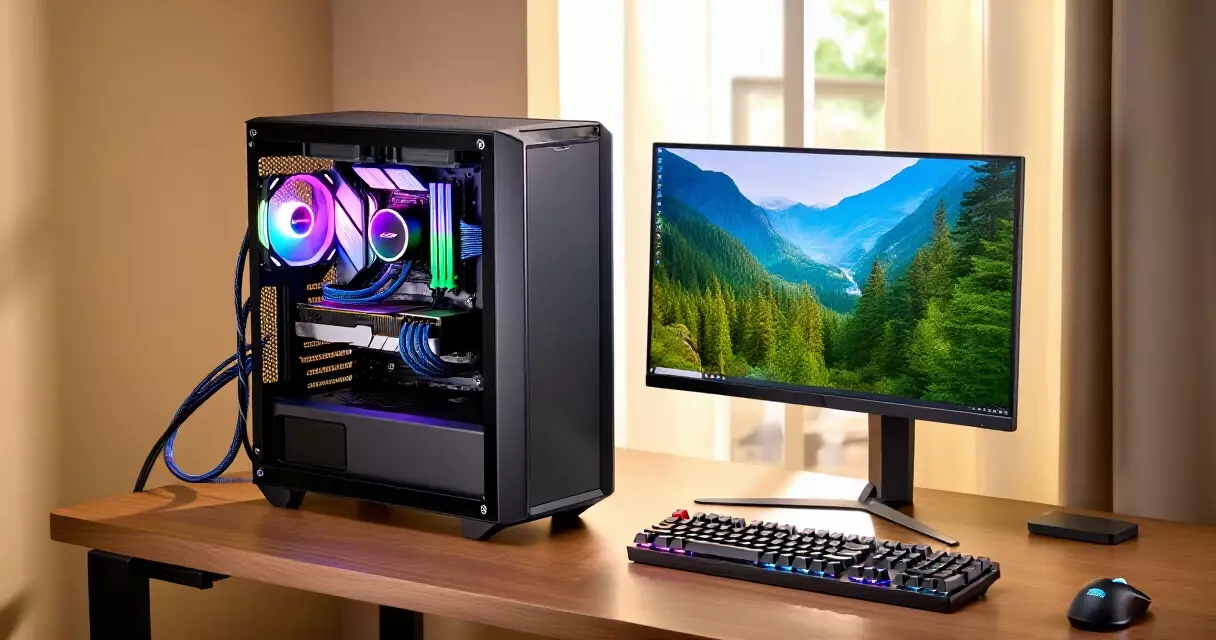
Here are three concrete builds suited to different budgets, based on current parts prices in the Philippines:
| Component | Ultra-Budget Build (~₱30,000) | Balanced Build (~₱50,000) | Mid-Range Build (~₱65,000) |
|---|---|---|---|
| CPU | Ryzen 5 5500 | Ryzen 5 5600 / i5-12400F | Ryzen 5 7500F / i5-13400F |
| GPU | RX 580 8GB (~₱8,140) | RX 7600 (~₱20,499) | RTX 5060 Ti 8GB (~₱26,550) |
| RAM | 16GB DDR4 | 32GB DDR4 | 32GB DDR4/DDR5 |
| Storage | 500GB SSD | 1TB SSD + 1TB HDD | 1TB NVMe SSD + 2TB HDD |
| PSU | 550W 80+ Bronze | 650W 80+ Bronze | 750W 80+ Gold |
| Suitable For | 1080p gaming, Minecraft, MLBB, Valorant | 1080p high, OBS streaming, video editing | 1440p gaming, serious content creation |
“The RX 7600 at ₱20,499 is the best value-for-money GPU for Filipinos building a budget gaming and content creation PC in 2026.”
Brands Easy to Find in the Philippines
When researching how to build a budget PC for gaming and content creation, it’s important to know which brands are easily found in local stores. Based on data from Technobaboy and GfK for Q1 2025, Acer leads the Philippine PC market with a 35.7% market share. For GPUs and motherboards, brands like ASUS (including the ROG, TUF Gaming, and PRIME lines), MSI, Gigabyte, and Colorful are all easy to find at Gilmore, Lazada, and Shopee.
For more affordable GPU options, Colorful and Galax are known for lower prices without sacrificing quality. Palit and Inno3D fare well in the mid-range segment. For PSUs, brands like Seasonic, be quiet!, and Corsair are known for their reliability — an important consideration for those using their PC for many hours a day.
How to Save on Buying Parts: Practical Tips
One of the most effective ways to save is buying at the right time. According to information from Back2Gaming, there are special discounts during the back-to-school period at retailers like Villman and other authorized stores — for example, the Lenovo LOQ gaming laptop had a ₱14,000 discount during that period. The same principle applies to desktop parts.
- Watch for sales on Lazada and Shopee during 9.9, 10.10, or 11.11 sale events
- Visit Gilmore Avenue and PC shops at SM Cyberzone for walk-in deals
- Consider the AM4 platform (Ryzen 5000 series) for lower motherboard and RAM prices
- Don’t skimp on the PSU — a cheaper power supply can damage your other parts
- For storage, brands like Western Digital, Seagate, and Samsung offer a good balance of price and quality
“When building your own PC, the biggest mistake beginners make is saving on the PSU and RAM — the two things most critical to the long-term stability of the system.”
FAQ: Frequently Asked Questions About Budget PC Building in the Philippines
What is the minimum budget for a gaming and content creation PC in the Philippines?
Based on current parts prices in the Philippines, the lowest practical budget for a gaming and content creation PC is around ₱30,000 to ₱35,000 for the tower only (excluding monitor, keyboard, and mouse). At this price, you can get a Ryzen 5 5500 or similar CPU, an RX 580 8GB GPU, and 16GB DDR4 RAM — sufficient for 1080p gaming at medium settings and light content creation.
Is AMD or NVIDIA the better choice for content creation?
It depends on the software you use. If you use Adobe Premiere, DaVinci Resolve with CUDA acceleration, or OBS with the NVENC encoder, you are more likely to benefit from an NVIDIA GPU. If gaming is your primary use and you only use basic editing tools, AMD offers better value for money. For most Filipino content creators, either the RX 7600 or the RTX 5060 Ti are both good choices depending on budget.
What games can a budget PC build run?
A balanced build with an RX 7600 and Ryzen 5 5600 can run almost all popular games at 1080p high settings — including Mobile Legends on PC, Valorant, Minecraft, Genshin Impact, Counter-Strike 2, and many more. For more demanding games like Cyberpunk 2077 or Alan Wake 2, a higher budget is needed for a more powerful GPU.
Is it better to buy a prebuilt or build your own PC?
In most cases, a DIY build offers better value — stronger specs at the same price, easier future upgrades, and higher quality individual components. A prebuilt is only better if you don’t have the time or confidence to assemble the PC yourself, or if you need a warranty on the entire system as a single unit.
How long does it take to assemble a budget PC?
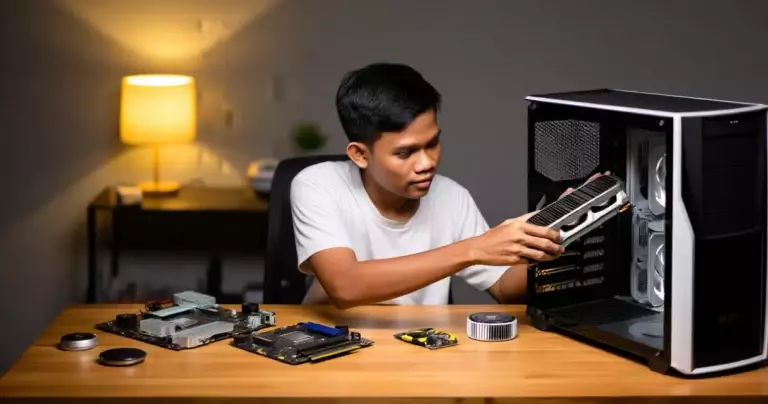
For a beginner with a clear guide, assembling a PC typically takes two to four hours. This includes installing the CPU, RAM, and cooler on the motherboard, placing the motherboard in the case, connecting PSU cables, and installing the GPU and storage. No special tools are needed beyond a simple Phillips screwdriver.
Where is the best place to buy PC parts in the Philippines?
There are two main options: physical stores such as shops on Gilmore Avenue (Quezon City), Villman, Asianic, and PC Express; and online platforms like Lazada and Shopee with authorized sellers. For those new to PC building, buying from a physical store is recommended so you can ask questions and verify the condition of parts before paying.
Conclusion: How to Start Your Budget PC Build
Knowing how to build a budget PC for gaming and content creation is a valuable skill for any Filipino gamer or content creator. With a budget of ₱40,000–₱55,000, it’s possible to build a PC capable of handling modern games, video editing, and live streaming — all at the same time. The most important steps are defining your budget, choosing the right GPU as the foundation of the build, and avoiding skimping on the PSU and RAM.
For those looking for more information about gaming PCs and the local esports community, you can also read our review of PC Building Simulator 2026 — a game that provides hands-on practice in assembling a PC before doing the real thing. For those who want to know how to use their new PC for streaming, read our guide on the local LARO Studio on Unsplash for content creators.
Sources
- IDC Worldwide Quarterly Personal Computing Devices Tracker, Q1 2025 — retrieved September 2, 2026
- Technobaboy: Acer Leads Philippine PC Market in Q1 2025 — retrieved September 2, 2026
- UniCorp PH: Real Prices for PC Parts, Laptops, and Peripherals (2026) — retrieved September 2, 2026
- UniCorp PH: PC Parts Price Philippines Guide (August 2026) — retrieved September 2, 2026
- Manila Bulletin: GPU Will See Another Jump in Prices (August 2026) — retrieved September 2, 2026
- Back2Gaming: GPU Price Increase Philippines August 2026 — retrieved September 2, 2026
- Back2Gaming: GeForce RTX 50 Back-to-School Deals Philippines (2026) — retrieved September 2, 2026
- 6W Research: Philippines Personal Computers (PC) Market Size 2026 — retrieved September 2, 2026