Summary
✓Reviewed by Emma Thompson If you are a beginner Filipino gamer who wants to learn how to assemble a PC without immediately spending money on real hardware, the pc building simulator 2026 beginner guide for filipino gamers is the best...
Table of contents
- 1 What Is PC Building Simulator and Why Is It Right for Filipino Beginners?
- 2 A Brief History of the PC Building Simulator Series
- 3 PC Building Simulator vs. PC Building Simulator 2: Which Should Beginners Choose?
- 4 Key PC Components You Will Learn in PC Building Simulator 2026: Beginner’s Guide for Filipino Gamers
- 4.1 Processor (CPU)
- 4.2 Graphics Card (GPU) and RAM
- 4.3 Power Supply Unit (PSU) and Storage
- 5 Step-by-Step Guide for Filipino Beginners: How to Get Started with PC Building Simulator
- 6 Common Mistakes Filipino Beginners Make in PC Building Simulator
- 7 How to Speed Up Learning Using PC Building Simulator for Filipinos
- 8 Frequently Asked Questions (FAQ) about PC Building Simulator 2026
- 8.1 Is PC Building Simulator free?
- 8.2 Do I need a powerful PC to run PC Building Simulator?
- 8.3 Does PC Building Simulator really help with real PC building?
- 8.4 What PC parts will I learn about in the game?
- 8.5 What platform is best for playing PC Building Simulator?
- 8.6 What is the difference between PC Building Simulator 1 and 2?
- 9 How to Apply Knowledge from PC Building Simulator to a Real Filipino Budget Build
- 10 Summary and Key Lessons for Filipino Gamers
- 11 References
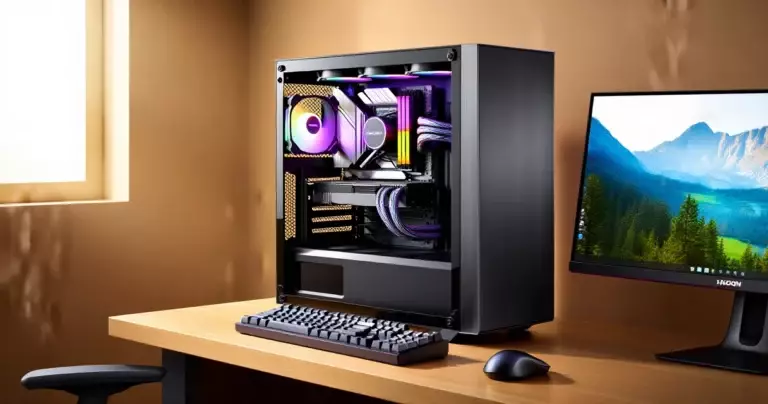
If you are a beginner Filipino gamer who wants to learn how to assemble a PC without immediately spending money on real hardware, the pc building simulator 2026 beginner guide for filipino gamers is the best starting point for you. PC Building Simulator is a simulation-strategy game that allows players to assemble, repair, and maintain gaming PCs inside a virtual workshop — no cost, no broken parts, and no stress. It is ideal for Filipinos interested in PC building but not yet ready to spend a lot of money.
What Is PC Building Simulator and Why Is It Right for Filipino Beginners?
According to Wikipedia, PC Building Simulator is a simulation-strategy video game created by The Irregular Corporation and Romanian indie developer Claudiu Kiss. Its core gameplay centers on running a workshop that assembles and maintains PCs, particularly gaming-oriented systems. For Filipino beginners with no experience in actual PC building, the game serves as a hands-on classroom where you can learn concepts without the risk of damaging real hardware.
The game is classified by PCGamingWiki as a single-player, first-person business and simulation game. No advanced knowledge is needed to get started — the gameplay itself will teach you the steps for installing a CPU, RAM, GPU, PSU, and other components.
A Brief History of the PC Building Simulator Series
PC Building Simulator has a clear trajectory from a simple indie project to an established franchise. According to Chinese Wikipedia, the game launched on Steam Early Access on March 27, 2018, and became a full release on January 30, 2019 for the Microsoft Windows platform. The first game succeeded because of its realism: every component looks authentic, wire management and cable routing must be done correctly, and error messages mirror what you might encounter in a real PC assembly. This success led to the creation of PC Building Simulator 2, released on October 12, 2022 and developed by Spiral House and published by Epic Games Publishing — a leap from indie roots to a larger production.
PC Building Simulator vs. PC Building Simulator 2: Which Should Beginners Choose?
For Filipino beginners thinking about which version to start with, it is important to understand the differences between the two. Here is a quick comparison based on available information:
| Feature | PC Building Simulator (2019) | PC Building Simulator 2 (2022) |
|---|---|---|
| Developer | Claudiu Kiss / The Irregular Corporation | Spiral House |
| Publisher | The Irregular Corporation | Epic Games Publishing |
| Platform | Windows, Nintendo Switch, and others | Windows (PC) |
| Gameplay Style | Workshop simulator, repair and build | Advanced build simulation, more realistic |
| Best For | Absolute beginners, more accessible | Those with some experience from the first game |
| Price (Steam/Epic) | Cheaper, often on sale | Moderate price |
For most Filipino beginners, the first PC Building Simulator is the better starting point because the gameplay is more accessible and it is frequently available at a lower price during sales. After learning all the basics there, you can move on to PC Building Simulator 2 for a more advanced experience.
“The most effective way to learn PC building is to start with a simulation — you can see your mistakes without damaging real hardware.”
Key PC Components You Will Learn in PC Building Simulator 2026: Beginner’s Guide for Filipino Gamers
One of the most important aspects of the pc building simulator 2026 beginner guide for filipino gamers is teaching genuine knowledge about PC parts. Here are the main components you will learn about through the game:
Processor (CPU)
The CPU or Central Processing Unit is the brain of any PC. In the game, you will learn how to install the CPU correctly into the motherboard socket, how to apply thermal paste, and how to seat the CPU cooler. Lessons include: the difference between Intel and AMD processors, the concept of socket compatibility (e.g., AM5 for AMD Ryzen 7000 series), and why you cannot put just any CPU into just any motherboard.
Graphics Card (GPU) and RAM
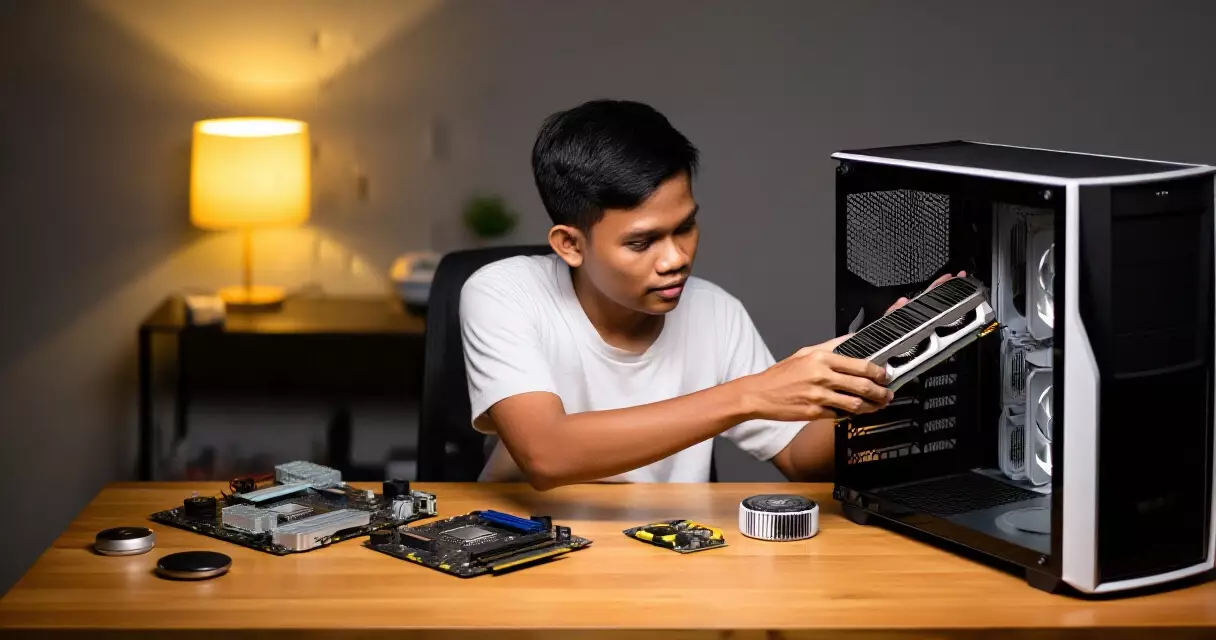
The GPU is the heart of any gaming PC. In PC Building Simulator, a beginner will learn how to install the graphics card into the PCIe slot, what power connectors it requires, and how to check compatibility with the power supply unit (PSU). RAM, meanwhile, must be installed in the correct slots for dual-channel configuration — a concept that often confuses beginners but becomes clear through gameplay.
Power Supply Unit (PSU) and Storage
The PSU is one of the most important parts that requires careful selection. In the game, you will learn how to calculate the required wattage based on other components, and how to route the cables. For storage, the game teaches the difference between HDD and SSD, and how to install each in the correct bay or slot.
Step-by-Step Guide for Filipino Beginners: How to Get Started with PC Building Simulator
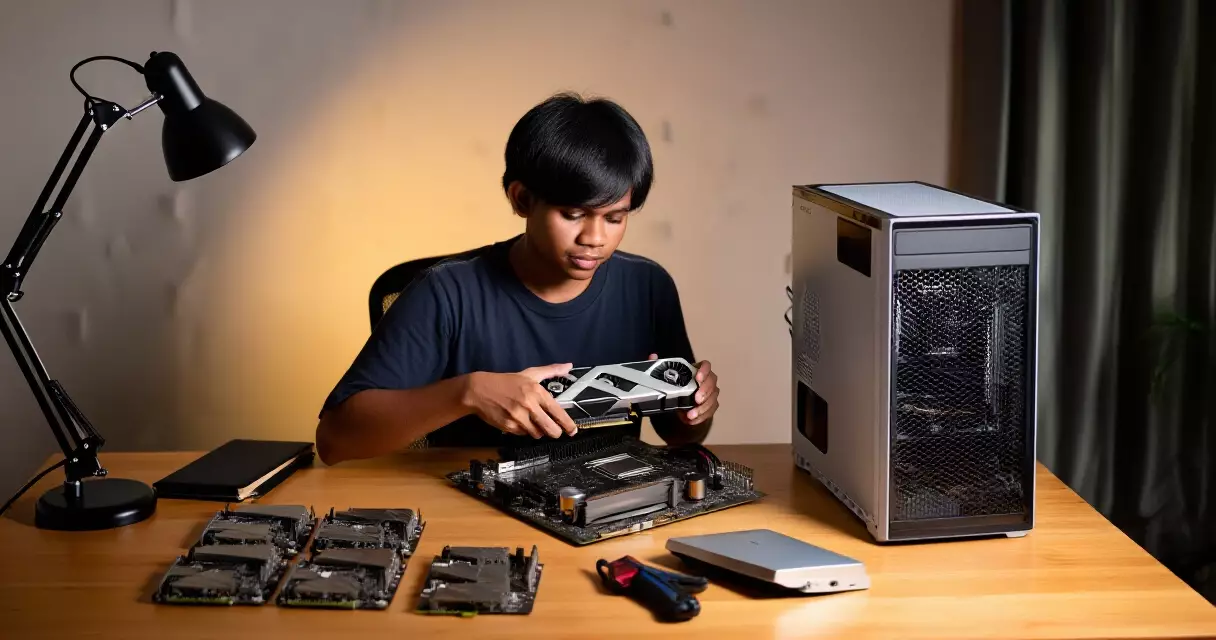
Here is a practical guide for Filipino beginners who want to get started with the pc building simulator 2026 beginner guide for filipino gamers:
- Download the game on Steam or the Epic Games Store. PC Building Simulator is available on Steam, while PC Building Simulator 2 is available on the Epic Games Store. Watch for sale periods to get a lower price.
- Start with Tutorial Mode. Do not skip the tutorial. It teaches the basic assembly flow and how to use the tools inside the game.
- Complete all repair jobs before attempting a build. Repair missions are easier and will familiarize you with each component before you try building from scratch.
- Use the in-game compatibility checker. The game has a built-in system that shows whether parts are compatible before you assemble them. Use it extensively.
- Study the in-game parts encyclopedia. Every component has a short explanation inside the game. Read it to learn real specs and terminology.
- Try free build mode. After completing missions, use free build to experiment with different configurations without any pressure.
Common Mistakes Filipino Beginners Make in PC Building Simulator
The following mistakes are frequently made by beginners in the pc building simulator 2026 beginner guide for filipino gamers — and it is helpful to know them before you start:
- Not removing the protective cover from the CPU socket. In real life and in the game, the cover must be removed before placing the CPU — a detail that beginners often overlook.
- Wrong RAM orientation. RAM has a notch that indicates the correct direction. The game teaches you how to identify the proper installation method.
- Not connecting the GPU power connectors. Many beginners forget to connect the PCIe power cable to the graphics card — a mistake that can be seen in the simulation before it happens in a real build.
- Incorrect thermal paste application. The amount and method of applying thermal paste affects CPU temperature. The game teaches this through visual feedback.
- Installing incompatible parts. One of the most important lessons of the game: always check compatibility before buying or installing.
How to Speed Up Learning Using PC Building Simulator for Filipinos
To accelerate learning, there are several strategies that are particularly effective for Filipino beginners using simulation as an educational tool. Filipino gamers interested in deeper PC gaming knowledge can also read our guide on fixing stutter and low FPS in PC indie games for more practical knowledge about PC performance.
- Watch YouTube tutorials by Filipino PC builders while playing. There are many local content creators who explain PC building in Filipino.
- Write down the component names and specs you see in the game and look them up in online stores to see real prices and availability in the Philippines.
- Join Filipino PC building communities on Facebook or Reddit (r/PHGamers) to receive additional guidance from experienced Filipino builders.
- Use the game as a checklist before buying real parts — if you cannot remember how to install a component in the game, you may not be ready to do it in a real build.
Frequently Asked Questions (FAQ) about PC Building Simulator 2026
Is PC Building Simulator free?
PC Building Simulator is not free, but it is frequently sold at a low price during Steam sales. PC Building Simulator 2 is available on the Epic Games Store. Occasionally, Epic Games offers free games, so it is worth watching for promotions. For those with a limited budget, the first game is the more accessible option.
Do I need a powerful PC to run PC Building Simulator?
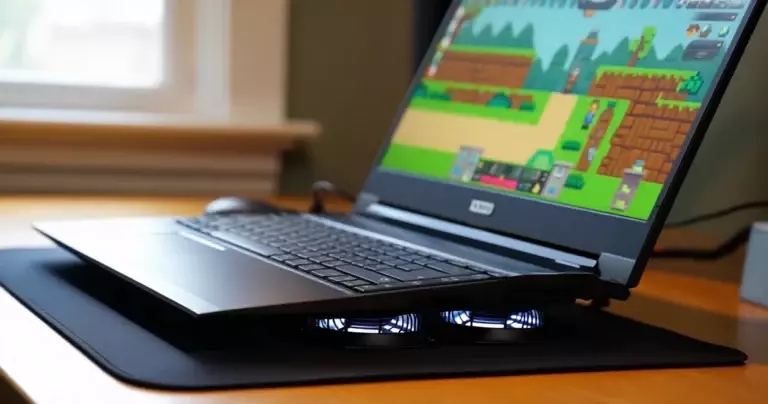
No. PC Building Simulator is designed to run on mid-range and even low-end PCs. It is not as demanding as AAA games like Valorant or 3D open-world titles. Even a laptop with integrated graphics can run the first PC Building Simulator smoothly. PC Building Simulator 2 has higher requirements, but remains accessible for most modern budget laptops and desktops.
Does PC Building Simulator really help with real PC building?
Yes, it helps greatly especially for understanding concepts and terminology. The assembly steps — from CPU installation to cable management — mirror the real process. However, there are limitations: you cannot feel the actual resistance of connectors, real cable routing is harder in a physical space, and thermal considerations are more complex in real life. Use the game as a great starting point, but always consult up-to-date tutorials before building a real PC.
What PC parts will I learn about in the game?
You will learn about almost all the main components: CPU, CPU cooler, motherboard, RAM, GPU (graphics card), PSU (power supply unit), storage (HDD and SSD), and PC case. Also included are the concepts of thermal paste, cable management, and basic troubleshooting. PC Building Simulator 2 has more detail and a wider selection of virtual parts.
What platform is best for playing PC Building Simulator?
The best platform is PC (Windows) because mouse-and-keyboard controls feel more natural for first-person simulation gameplay. According to Korean Wikipedia, the first game is also available on Nintendo Switch, but the controller setup is harder to use for the precision-based gameplay of the simulation. For Filipinos who want an on-the-go experience, the Switch version is possible, but the PC version is recommended.
What is the difference between PC Building Simulator 1 and 2?
The first PC Building Simulator, made by The Irregular Corporation and Claudiu Kiss, has simpler gameplay and lower system requirements. PC Building Simulator 2, developed by Spiral House and released by Epic Games Publishing on October 12, 2022, features more advanced graphics, a wider part selection, and more realistic PC assembly physics. For absolute beginners, the first game is the better starting point.
How to Apply Knowledge from PC Building Simulator to a Real Filipino Budget Build
The true value of the pc building simulator 2026 beginner guide for filipino gamers is not just its entertainment value — but the practical knowledge that can be applied to actually buying PC parts. For Filipinos looking for a budget gaming PC build, it is important to understand the concepts learned in the game:
| Concept in the Game | Value in a Real Filipino Budget Build |
|---|---|
| CPU-Motherboard compatibility (socket type) | Avoids purchasing incompatible parts at Gilmore or online stores |
| PSU wattage calculation | Correct power supply selection for your chosen GPU and CPU |
| RAM dual-channel configuration | Higher performance even using the same RAM sticks |
| SSD vs. HDD installation | Correct boot drive installation for a faster PC |
| Cable management basics | Better airflow and a cleaner-looking build |
For Filipinos interested in a broader gaming experience after learning PC building basics, the guide to setting up a PC for indie games on low-end specs is a useful next step.
“PC Building Simulator is not just a game — it is a virtual course in computer hardware that costs less than any tech school.”
Summary and Key Lessons for Filipino Gamers
The pc building simulator 2026 beginner guide for filipino gamers combines two goals: the entertainment of a simulation game and practical education about PC hardware. Here are the key lessons to take away after playing PC Building Simulator:
- Start with PC Building Simulator 1 before moving to the sequel for a smoother learning curve.
- Every assembly step in the game — from CPU installation to cable management — mirrors the real process.
- Never skip compatibility checking: this is the most important lesson from the game for real-world application.
- Use the game as a preparation tool before buying real parts, not as a substitute for real research and community input.
- Join Filipino PC building groups to accelerate learning outside of the game.
For Filipino gamers who still want to learn about improving the performance of their current PC, read our guide on fixing FPS drops in Valorant on low-end PC for practical tips.
References
- PC Building Simulator — Wikipedia — retrieved September 1, 2026
- 装机模拟器 — Wikipedia (Chinese) — retrieved September 1, 2026
- PC Building Simulator — PCGamingWiki — retrieved September 1, 2026
- PC Building Simulator 2 — Wikipedia (Spanish) — retrieved September 1, 2026
- PC 제작 시뮬레이터 — Wikipedia (Korean) — retrieved September 1, 2026